Do USB mics work on laptops?
Yes—most USB microphones work on laptops and are designed to be plug-and-play. On Windows, macOS, and many Chromebooks, a USB mic typically shows up as a new audio input device as soon as it’s connected, letting you use it for calls, streaming, voiceovers, classes, and recordings without extra hardware.
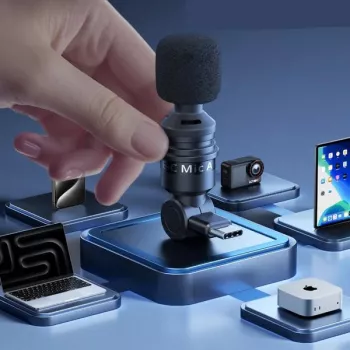
That said, how smoothly it works depends on the mic’s USB connector and your laptop’s ports. If your microphone uses USB-A and your laptop only has USB-C, you’ll need a USB-C to USB-A adapter or hub. If your mic uses USB-C, it can usually connect directly to modern laptops.
What to check if your USB mic isn’t working
Start with your laptop’s sound settings and select the USB microphone as the input device (and set it as the default if needed). In video meeting apps, choose the mic inside the app’s audio settings too. Also confirm the mic isn’t muted via a hardware button or gain knob.
If the laptop still doesn’t detect it, try a different USB port, remove other USB accessories, or test a different cable. Some microphones draw more power than a laptop port or a low-quality hub can provide; plugging directly into the laptop or using a powered hub can fix dropouts and crackling.
Will it work for recording and video?
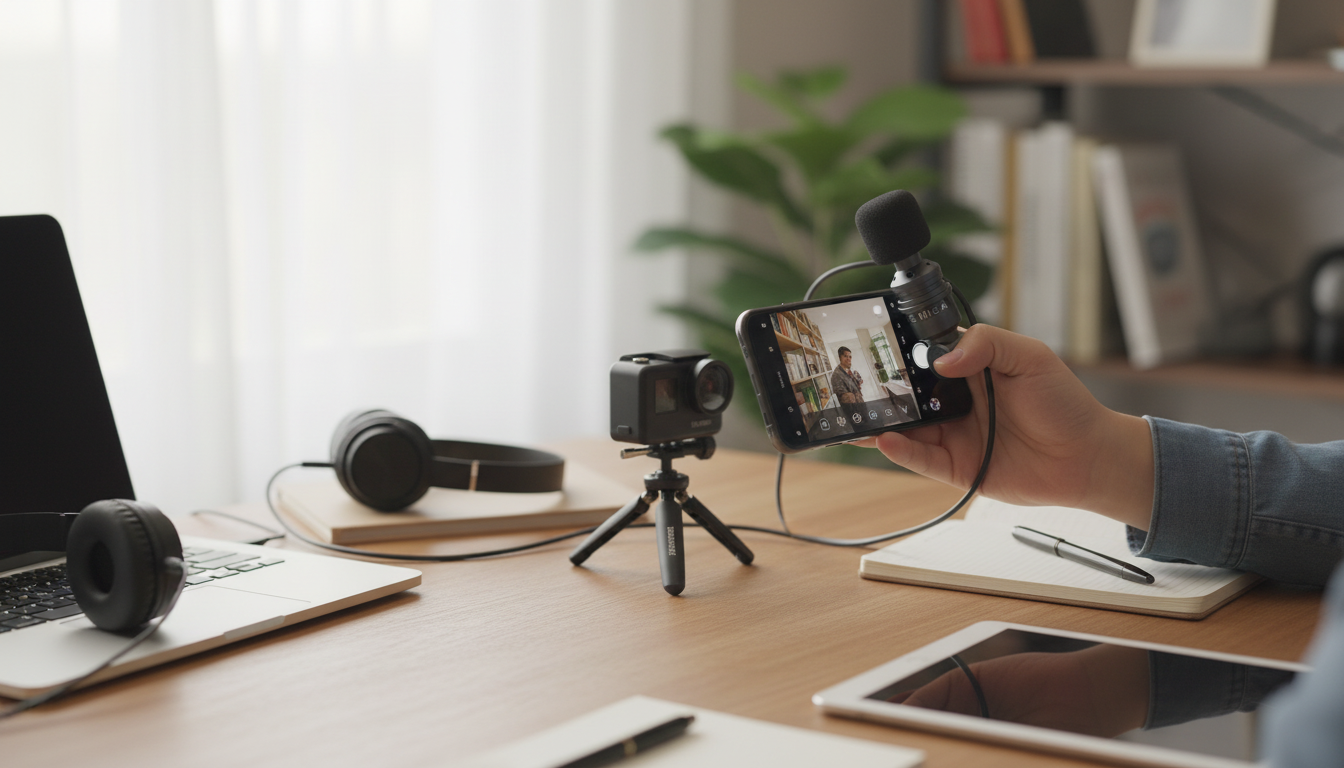
In most cases, yes. USB mics are great for improving clarity over built-in laptop microphones, especially in untreated rooms. For the best results, position the mic close to your mouth, reduce fan noise, and monitor levels so your audio doesn’t clip.
For more practical tips on choosing and using compact mics across devices, see the full guide here: https://ciceras.com/guide-pocket-mini-mic-phone-laptop-camera-audio/.
FAQ
Do I need an adapter to use a USB mic with a USB-C laptop?
Only if the microphone’s plug doesn’t match your laptop’s port. A USB-A mic needs a USB-C to USB-A adapter or hub, while a USB-C mic can usually connect directly.
Recommended for you









Leave a comment